Generate more leads
How to Start SEO and AEO on a New B2B Website
A new website with no search setup can sit unseen for weeks, while your buyers ask Google and ChatGPT for a shortlist that does not include you.
Starting SEO on a new website takes five setups in the first 30 days. Let Google and AI crawlers in, tell Google and Bing your pages exist, check what a crawler sees, count visits and enquiries, and save a baseline. Each setup ends with a test you can run in 24 hours.
Last updated
In short
- Week 1 lets Google and AI crawlers in. Weeks 2 to 4 add Bing, structured data, counting and a baseline.
- Every step ends with a test you can run in 24 hours.
- No setup guarantees a ranking or an AI mention. Setup removes the technical reasons to be skipped.
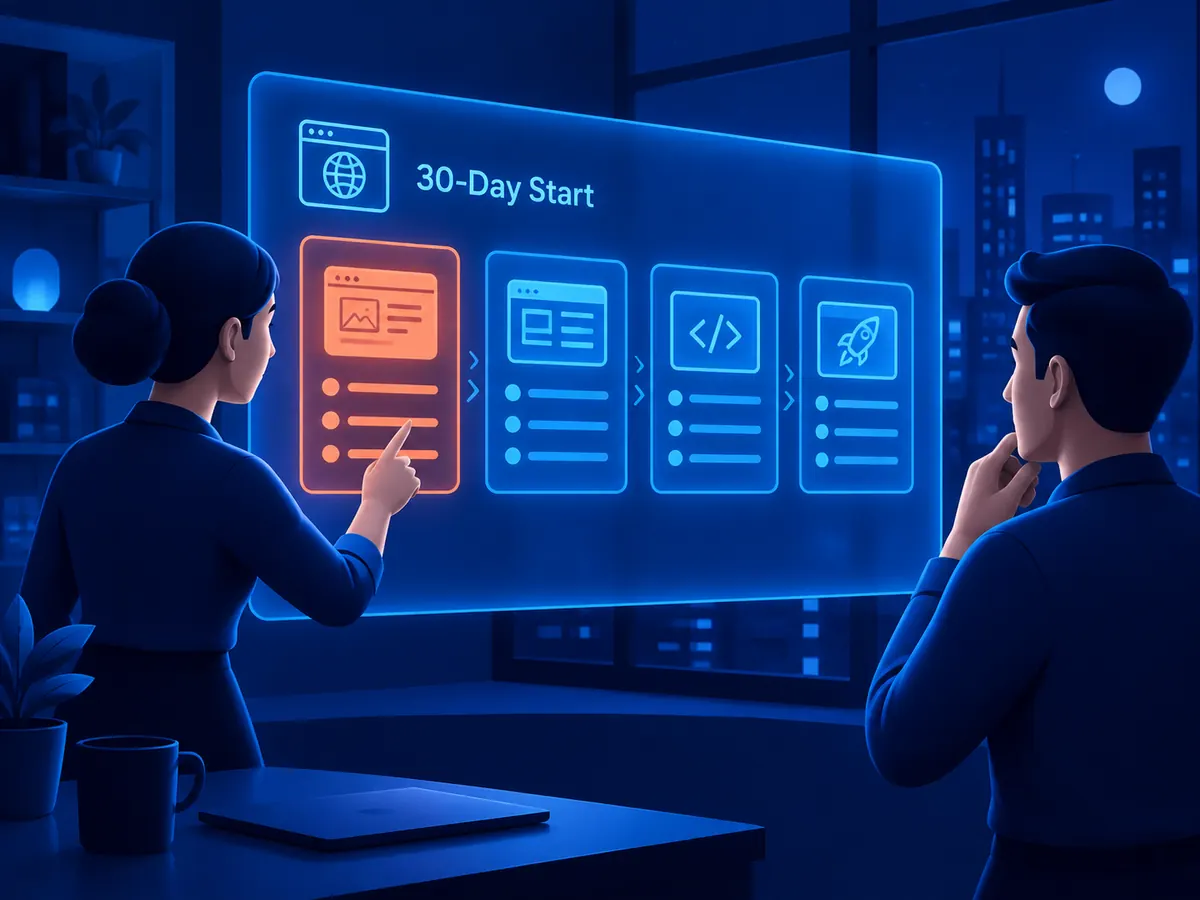
What is the 30-day setup plan?
The plan has four weeks. Each week ends with something you can check.
| Week | Setup job | Done when |
|---|---|---|
| 1 | Let Google and AI crawlers in | Search Console is verified, the sitemap is submitted and robots.txt allows the crawlers you want |
| 2 | Tell Bing and IndexNow partners | Bing Webmaster Tools lists your sitemap and your IndexNow key file opens in a browser |
| 3 | Check what crawlers see | Page text shows with JavaScript off, and schema matches the visible text |
| 4 | Count and save a baseline | GA4 shows an AI channel, your form asks how people heard of you and a dated test is saved |

What should you check before and at launch?
Check that nothing from the build phase still tells crawlers to stay out. A site built on a staging address can carry its blocks into launch.
- robots.txt. Open yourdomain.com/robots.txt. A line reading
Disallow: /underUser-agent: *blocks the whole site. - noindex. View the source of your home page and search for "noindex". That tag asks search engines to leave the page out.
- HTTPS. Every page should load on https, and the http address should redirect to it.
- Canonical tags. Each page’s canonical tag should point to its own live address, not to a staging address.
- Mobile. Open the home page on a phone, on mobile data.
Still choosing a platform? See the B2B website platform guide.
Run this in the next 24 hours:
open robots.txt and view the source of your home page. Write down every Disallow and noindex you find. Remove each one that nobody chose on purpose.
How do you let AI crawlers read your site?
Allow the AI crawlers you want in robots.txt, then check that your pages show their text without JavaScript.
- Crawler names. Look in robots.txt for a Disallow next to GPTBot, OAI-SearchBot, ClaudeBot, PerplexityBot or Google-Extended. A Disallow next to a name asks that service to stay out. Site templates can add these lines without anyone noticing.
- The layer in front of your site. Google’s guide says crawling must be allowed in robots.txt and by any CDN or hosting layer in front of your site. If you use a CDN such as Cloudflare, open its bot settings and check them too.
- JavaScript. Switch JavaScript off and open your main service page. If the text disappears, a crawler that does not run JavaScript sees an empty page.
What B2Ne did. B2Ne’s robots.txt allows all crawlers and names 16 AI crawlers one by one, so the choice is written down. The site is pre-rendered, so each page’s text is in the HTML the server sends.
Run this in the next 24 hours:
search your robots.txt for the five names above, then switch JavaScript off and reload your main service page.

How do you set up Google Search Console for a new website?
Add your site as a Domain property if you can edit your DNS records, and as a URL-prefix property if you cannot.
- Open Search Console and choose Add property.
- Choose Domain and enter your domain, or choose URL prefix and enter the full address, including https.
- Verify ownership. Google’s help page says a Domain property needs a DNS record to verify, while a URL-prefix property accepts several methods. An HTML tag in your home page is one common choice.
- Click Verify.
A Domain property covers every subdomain and both http and https. A URL-prefix property covers only the addresses that start with the prefix you enter.
What B2Ne did. B2Ne’s home page carries a Google site verification tag, which is the HTML-tag method for the URL-prefix property.
Run this in the next 24 hours:
open the property selector in Search Console. Your site should show with owner access, and the Sitemaps report should open.
How do you submit a new website and sitemap to Google?
Submit your sitemap in Search Console, then inspect your home page and request indexing.
A sitemap is an XML file that lists the pages you want found. Most platforms create one at /sitemap.xml. List only pages you would be happy to see rank. Google says a sitemap is not required, because most sites are found automatically, but it is a simple way to point Google at the pages you care about.
- In Search Console, open Sitemaps.
- Enter your sitemap address and click Submit.
- Check that the status reads Success and that the number of discovered pages looks right.
- Open URL Inspection, paste your home page address and, if the page is not indexed, click Request indexing.
- Add a Sitemap line to robots.txt, so crawlers find the file without being told.
Requesting indexing asks Google to crawl a page. It does not promise a ranking.
What B2Ne did. B2Ne’s sitemap is at https://www.business2nexus.com/sitemap.xml and is named in robots.txt. Search Console downloaded it on 6 November 2026 and showed zero errors and zero warnings. On 5 November 2026, Search Console reported our SEO and AEO guide as "URL is unknown to Google". After a crawl on 6 November it was indexed.
Run this in the next 24 hours:
search Google for site:yourdomain.com, then inspect your home page in Search Console. It shows whether the page is indexed and when Google last crawled it.
How do you submit a new website to Bing, and what is IndexNow?
Add your site to Bing Webmaster Tools by importing it from Google Search Console, then check that your sitemap came with it.
- Sign in to Bing Webmaster Tools.
- Choose Import and select Google Search Console.
- Allow access, select your site and click Import.
- Open Sitemaps and confirm your sitemap is listed. Submit it if it is not.
Bing’s own guide says the import brings across verified sites and their sitemaps, and that Bing needs ongoing access to your Search Console account. If you remove that access, you import again or verify another way.
IndexNow is an open protocol that tells search engines when a page is added or changed. You put a key file at the root of your site, then send the changed addresses. Bing, Yandex, Seznam.cz, Naver and Yep are among the engines that take part, and a submission to one is shared with the others. Google is not listed, so IndexNow does not replace Search Console. The protocol is explained in the IndexNow FAQ.
What B2Ne did. B2Ne keeps an IndexNow key file at the root of its site and sends its sitemap addresses to IndexNow after a new version is published.
Run this in the next 24 hours:
open Bing Webmaster Tools and check that your site shows as verified and your sitemap is listed. Then open your key file address in a browser. It should show your key and nothing else.
Do you need an llms.txt file or special AI markup?
No. Google says there are no extra technical requirements to appear in AI Overviews or AI Mode. The page must be indexed and eligible to show with a snippet, so fix crawler access and clear answers first.
An llms.txt file is a plain-text list of your pages for AI tools. Add one if it is cheap to keep up to date, and do not expect it to move rankings or citations.
What B2Ne did. B2Ne publishes an llms.txt at /llms.txt. We treat it as an optional extra, not as a lever.
Run this in the next 24 hours:
confirm the checks above pass before you spend time on llms.txt.
How do you add structured data and check page speed?
Add Organization schema to your home page and Article and FAQPage schema to your guides, and make each one match the text on the page. If the data exists only in the code, it does not count.
- Organization on the home page: your name, address, logo and links to your LinkedIn page.
- Article on each guide: the title, the author or organisation, the publish date and the update date.
- FAQPage only where the page shows the same questions and answers.
- Speed. Test the home page and one guide in PageSpeed Insights. The targets are an LCP of 2.5 seconds or less, an INP of 200 milliseconds or less and a CLS of 0.1 or less.
What B2Ne did. B2Ne’s home page carries Organization schema. On each guide, the FAQPage schema is generated from the same FAQ data as the visible questions, so the two always match.
Run this in the next 24 hours:
paste your home page address into PageSpeed Insights and into Google’s Rich Results Test. Save both results with the date. For fixes that follow, see your B2B website needs fixes, not a redesign.
How do you count visits and enquiries?
Set up Google Analytics 4, add an AI channel group, and ask every new enquirer how they heard of you.
- AI channel group. In GA4, create a channel group for AI traffic with these sources: chatgpt.com, perplexity, gemini.google.com, copilot.microsoft.com and claude.ai. It undercounts, so use it for direction.
- A question on your form. Add "How did you hear about us?" with an option for an AI assistant such as ChatGPT, Claude or Perplexity.
- A monthly look at Search Console. Check impressions and average position for the phrases you chose.
What B2Ne did. B2Ne’s analytics tag loads only after a visitor accepts statistics cookies. Visits from people who decline are not counted, so treat any AI-visit number as a floor.
Run this in the next 24 hours:
send a test enquiry through your own contact form and confirm the answer to "How did you hear about us?" arrives. For the wider tracking setup, see analytics for B2B tech startups.
How do you save a baseline and know the setup worked?
Run five buyer questions through three AI tools today, log each result and save the log with the date.
Take the five questions from the 20-question test in SEO and AEO for B2B Tech Startups: A Beginner’s Guide. Ask each one in ChatGPT, Perplexity and Google AI Mode, three times each, because answers change between runs. Log every result as linked, mentioned or absent. Keep questions that name your company in a separate list.
The setup worked if three things are true: Google and Bing list your sitemap, your pages show their text without JavaScript, and your baseline is saved. Run the same questions again in 30 days.
Run this in the next 24 hours:
run your first five questions and save the log.
Which setup steps can you do yourself, and which need a developer?
Search Console, Bing Webmaster Tools, GA4 and the baseline need no code, and a founder can own them. robots.txt, sitemap generation, schema, pre-rendering and the IndexNow key file sit in the website itself, so they need whoever builds it.
The setup is a one-off. Keeping it working is not, because every release can break a robots.txt rule or a canonical tag. Name one person who checks the list after each release.
What does B2Ne’s setup service include?
Business To Nexus (B2Ne) runs this setup as the first month of its B2B SEO and AEO service, with technical fixes from its website optimisation work.
- The full setup in this guide, checked and documented for your site.
- Fixes for what the checks find: blocked crawlers, wrong canonical tags, missing schema, slow pages.
- A saved baseline, then a monthly buyer-question test that shows the trend.
B2Ne does not promise a ranking or a ChatGPT recommendation. It removes the technical reasons a search engine or an AI tool would skip your site. See how the plans work.
How was this guide made?
B2Ne drafts its guides with an AI assistant, and a person checks every one before it goes live. Here is what sits behind this one.
- B2Ne’s own setup. The "What B2Ne did" notes come from B2Ne’s website files and Search Console records, read on 20 November 2026.
- Outside pages. We read the Google SEO Starter Guide and AI features and your website, as well as Google’s help page on Search Console properties, Bing’s guide to importing from Search Console and the IndexNow FAQ.
- Keyword research. 25 phrases were checked in OpenSEO on 20 November 2026, using US figures. 17 returned measurable volume, and the setup questions in this guide come from them. Search Console data for business2nexus.com covers 17 May to 17 November 2026.
- Links. Every business2nexus.com link was checked against the live sitemap, and every outside link was opened.
- Updates. We review the guide every 45 days, and the date changes only when the content does.
Frequently asked questions
How long until a new website shows up in Google?
No one can promise a date. At B2Ne, Search Console reported our SEO and AEO guide as unknown to Google on 5 November 2026, and it was indexed after a crawl on 6 November. Judge your own site after a few weeks, as Google advises.
Do I need a sitemap for a new website?
No. Google says a sitemap is not required, and most sites are found automatically. A sitemap is still a simple way to list the pages you care about, so submit one in Search Console.
Do I need Bing Webmaster Tools if most buyers use Google?
It is optional. Importing from Search Console takes a few clicks, and it gives you a second index to check and access to IndexNow.
Do I need an llms.txt file or special AI markup?
No. Google says there are no extra technical requirements to appear in AI Overviews or AI Mode. Fix crawler access and indexing first.
How do I set up SEO for a B2B startup with no budget?
Search Console, Bing Webmaster Tools, GA4 and PageSpeed Insights are free. Run weeks 1 and 2 of the plan above, then use the questions in the beginner’s guide to decide what to publish.
How can you check where your new website stands today?
Start with the free Website Health Check to see where you stand.
If you want a team to run the setup, book a 30-minute discovery call. We review your current setup and outline the clearest next step. No pitch, no pressure. Either way, hand the 30-day setup table to your developer before the next release.